 Simon
Simon
·
Guide How to Convert a Unix Timestamp on Mac
Convert Unix timestamps to readable dates on macOS using the Terminal, covering both directions, milliseconds, and UTC, plus a faster native option with DevKnife's Time Inspector.
Read MoreIn version 1.2.0 of DevKnife, I’ve added two powerful new tools — a Markdown editor and a structured data converter — along with several quality-of-life improvements and important fixes. This update makes DevKnife even more versatile, helping you work more efficiently across different formats and everyday developer tasks.
The new Markdown editor lets you write and preview Markdown directly inside DevKnife. It’s great for quick notes, README snippets, or experimenting with Markdown formatting — a simple, distraction-free way to work with Markdown right within the app.
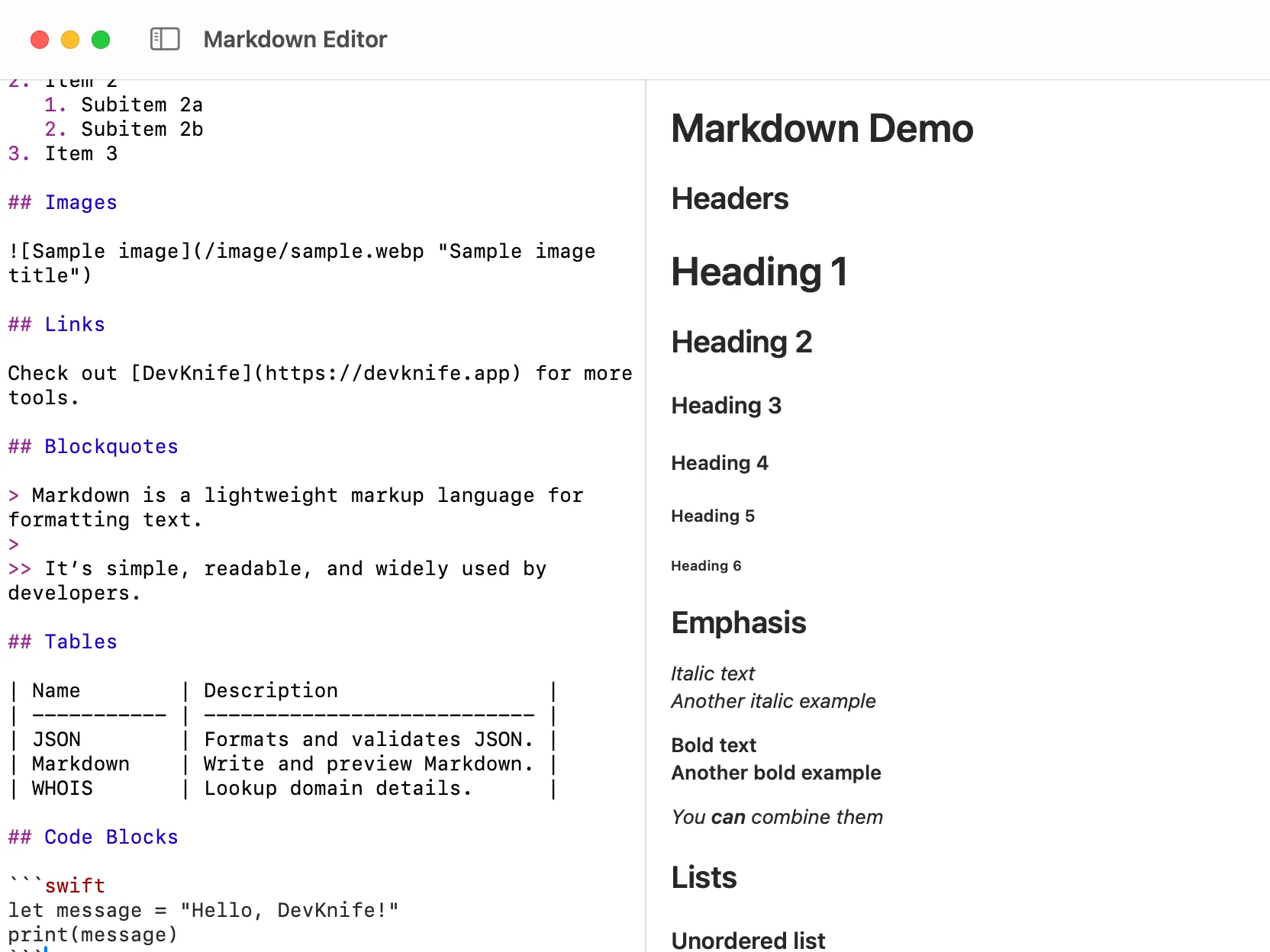
Writing and previewing Markdown inside DevKnife.
The structured data converter is a brand‑new tool that helps you convert between JSON, XML, YAML, TOML, and CSV formats. It’s perfect for developers who work with APIs, configuration files, or data exports. Just paste your data, choose the output format, and DevKnife handles the rest.
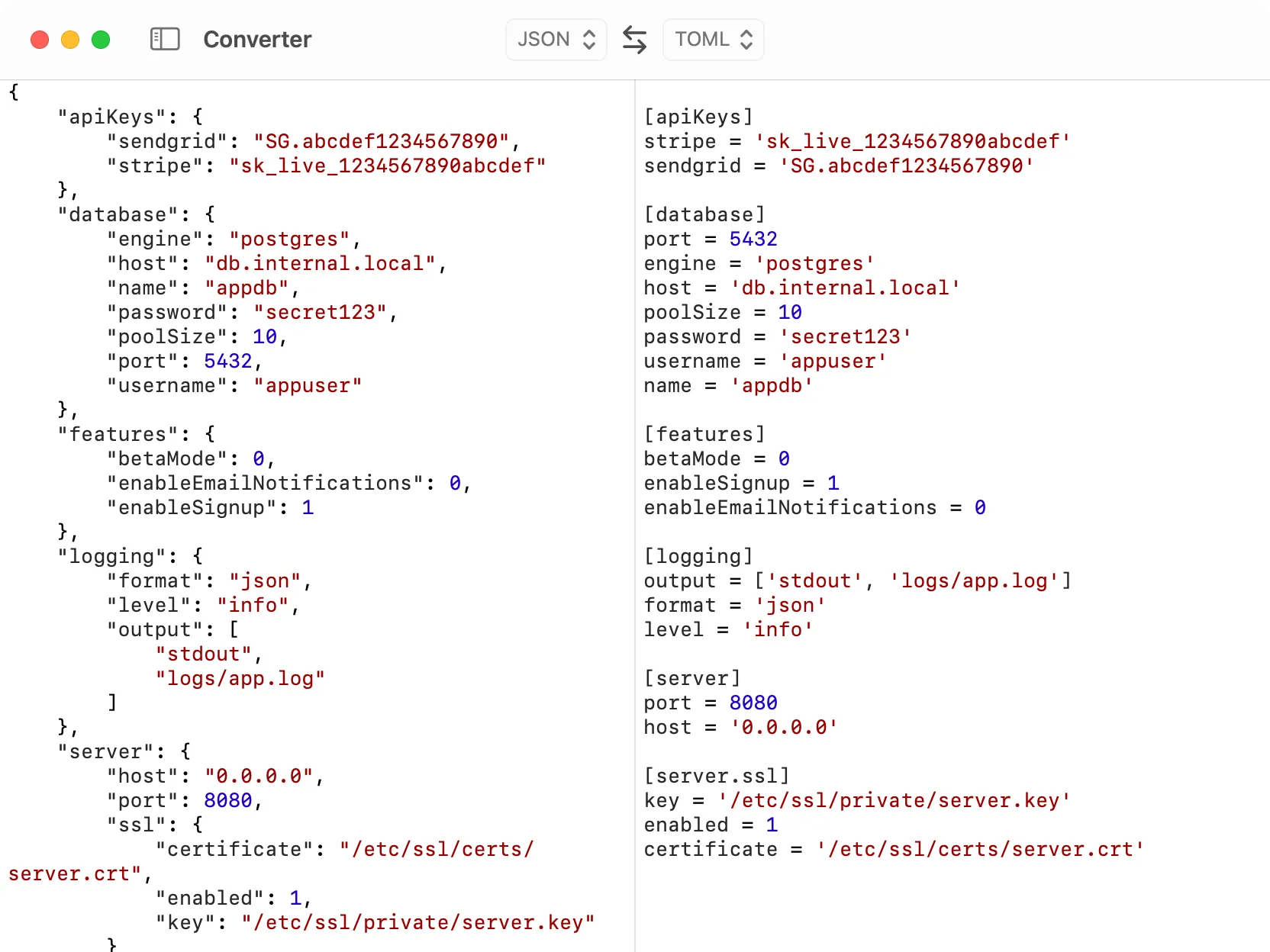
Converting a JSON file to TOML using the DevKnife structured data converter.
The WHOIS tool now supports a handy Spotlight shortcut. Just type “whois” in macOS Spotlight and press Enter — DevKnife will open with a domain input dialog, ready for your query. After you enter a domain, the app will display the WHOIS information instantly, making it faster than ever to look up domain details.
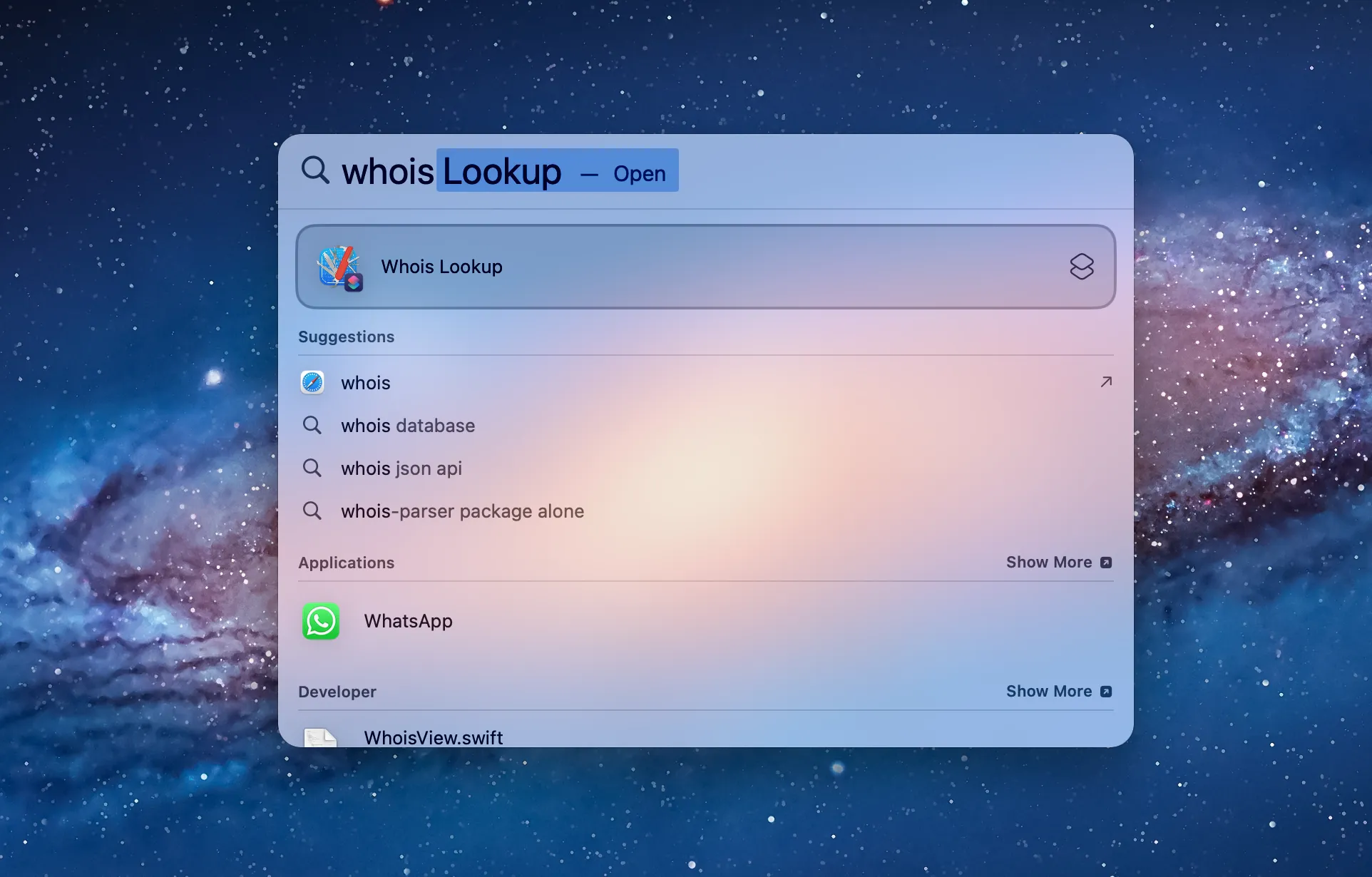
Performing a WHOIS lookup directly from macOS Spotlight — DevKnife appears as a suggested action when typing “whois.”
Alongside the new tools and Spotlight shortcut, this update also includes several quality-of-life improvements and bug fixes:
That’s everything for version 1.2.0! This update makes DevKnife faster, more capable, and easier to use in everyday development tasks. Thanks to everyone who’s shared feedback and ideas — they help shape every release. If you haven’t yet, grab the latest version of DevKnife and give the new tools a try.
Convert Unix timestamps to readable dates on macOS using the Terminal, covering both directions, milliseconds, and UTC, plus a faster native option with DevKnife's Time Inspector.
Read More
Fast, private, and built for macOS.