

Code Statistics
The Code Statistics tool gives you a quick overview of the source files in a project folder. It counts files and lines, groups the results by language, and keeps recent folders available for fast repeat scans.
Using the Tool
Section titled “Using the Tool”- Open Code Statistics.
- Click Choose Folder and select a project folder.
- Wait for the scan to finish.
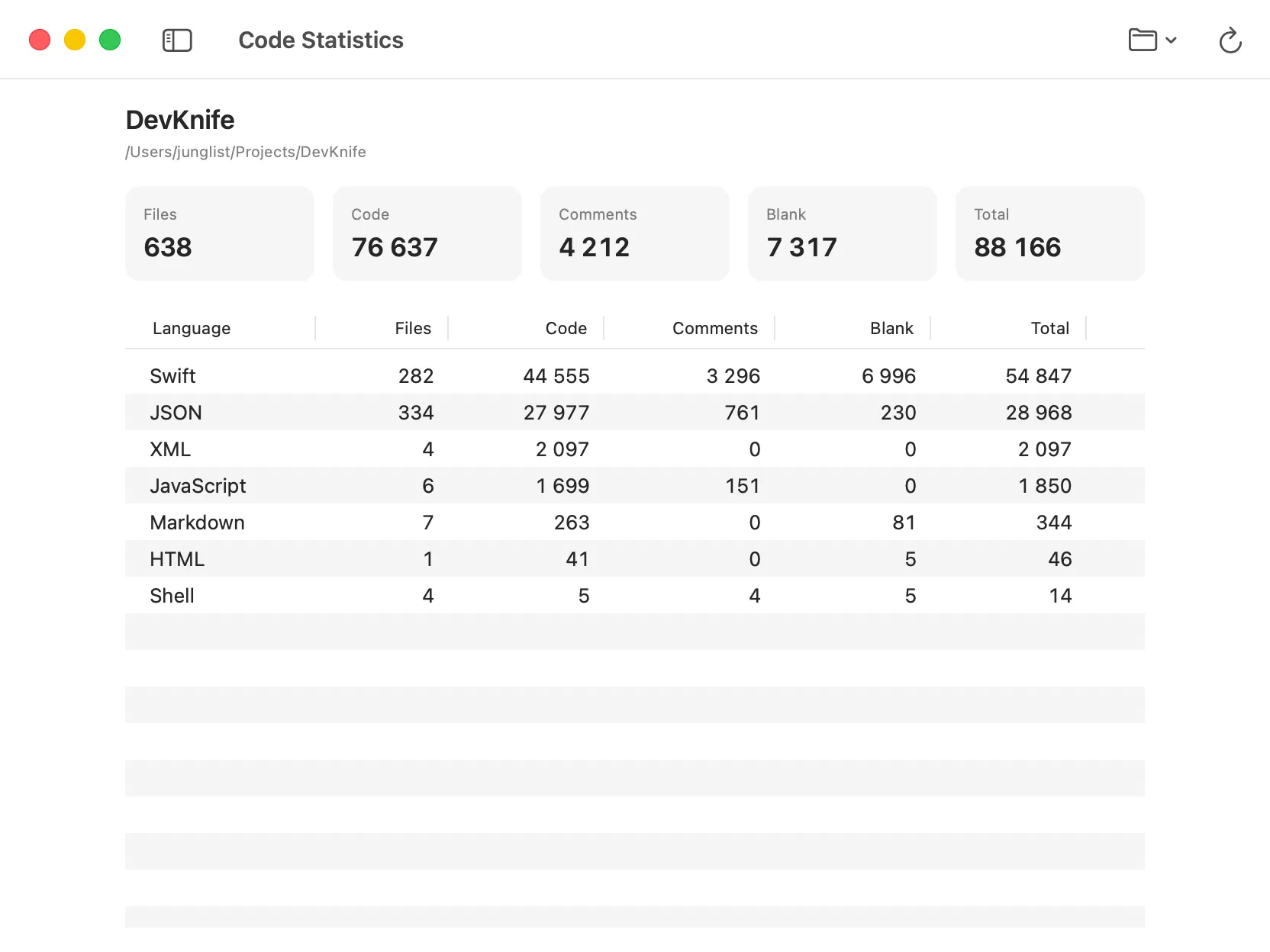
The summary shows totals for files, code, comments, blank lines, and all lines. The table below breaks those values down by language and shows how much each language contributes to the project’s code.
Use Refresh in the toolbar after the project changes. You can continue using DevKnife while a scan runs or cancel it from the toolbar.
Recent Folders
Section titled “Recent Folders”Folders you scan are added to the Open Folder menu. Select a recent folder to scan it again without navigating to it in the file picker.
Use Clear Recent Folders to remove the list. This removes only DevKnife’s saved references and does not change or delete the folders themselves.
Supported Files
Section titled “Supported Files”Code Statistics recognizes common programming, markup, and configuration formats, including Swift, C, C++, Objective-C, JavaScript, TypeScript, Python, Ruby, PHP, Go, Rust, Shell, Astro, HTML, CSS, SCSS, SQL, JSON, YAML, XML, Markdown, TOML, Dockerfiles, Makefiles, and CMake files.
Line counts are calculated from each supported file as:
- Code: Lines containing source code or data.
- Comments: Lines containing comments recognized for that language.
- Blank: Empty or whitespace-only lines.
- Total: Code, comment, and blank lines combined.
Files that contain both code and comments on the same line are counted as code lines.
Automatic Exclusions
Section titled “Automatic Exclusions”DevKnife skips hidden files, symbolic links, binary files, files larger than 20 MB, minified files, source maps, lock files, dependency folders, and common build-output folders. Examples include .git, node_modules, Pods, DerivedData, build, dist, vendor, and .swiftpm.
Privacy
Section titled “Privacy”Folders are scanned locally on your Mac. DevKnife does not upload source files or code statistics to an external service.