

Password Generator
The Password Generator tool in DevKnife helps you create robust and secure passwords tailored to your needs. It offers two main types of password generation: a regular password with customizable character sets and memorable passphrases using dice words.
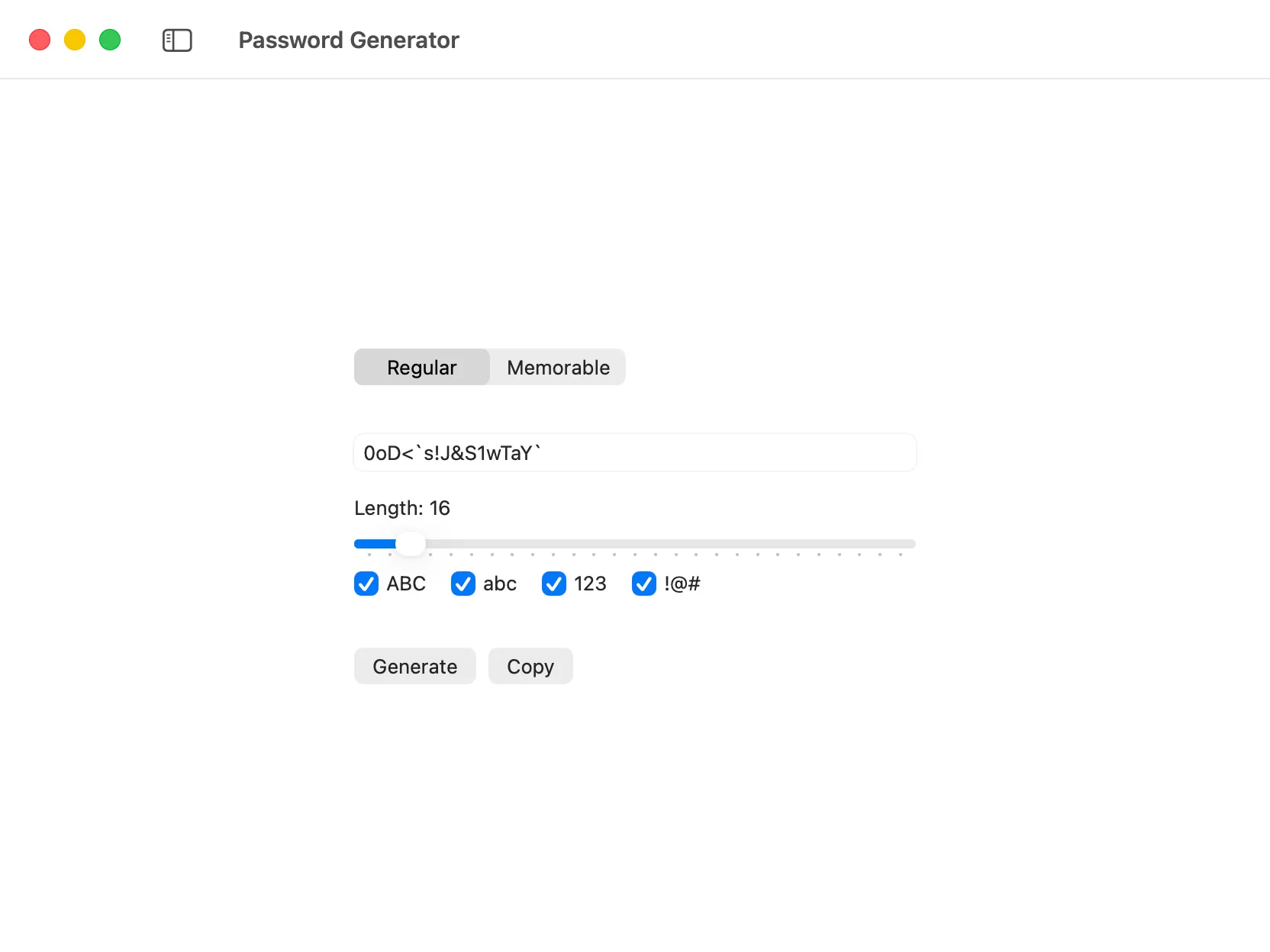
Using The Tool
Section titled “Using The Tool”DevKnife’s Password Generator provides a flexible way to create passwords suitable for different security requirements.
Regular Password
Section titled “Regular Password”For a standard password, you can configure the following options:
- Length: Specify the desired length of your password.
- Include Uppercase Letters: Toggle to include
A-Zcharacters. - Include Lowercase Letters: Toggle to include
a-zcharacters. - Include Numbers: Toggle to include
0-9digits. - Include Symbols: Toggle to include special characters (e.g.,
!@#$%^&*).
Memorable Password (Dice Words)
Section titled “Memorable Password (Dice Words)”Generate easy-to-remember yet strong passphrases using the “dice words” method. You can customize:
- Length: Choose the number of words in your passphrase.
- Separator: Select a character to separate the words. Options include:
- None: Words are joined without any separator.
- Hyphen (
-): Words are separated by a hyphen. - Underscore (
_): Words are separated by an underscore. - Period (
.): Words are separated by a period.
- Capitalize Words: Choose whether to capitalize the first letter of each word in the passphrase for better readability.